 Petal Home


Home / Shared family calendar / Connecting your calendars
Calendar syncing
Keep the calendars you already use in sync
Your family's plans probably already live in more than one calendar. With Premium, Petal Home connects to whichever one you use — Google, Outlook or Apple — and keeps it in step automatically, in both directions, so nothing has to be typed twice.
Join the waitlist Calendar sync is a Premium feature. Coming soon to iPhone and Android.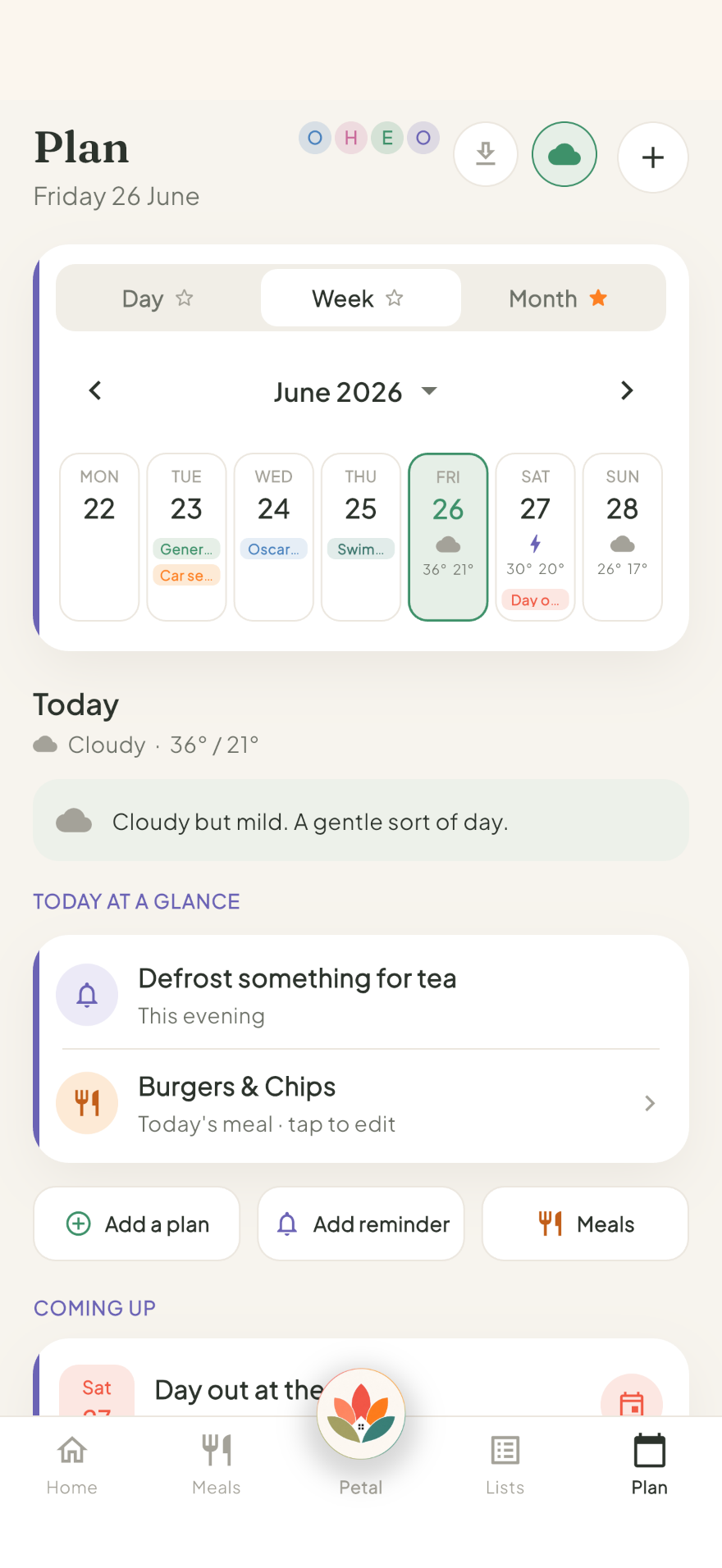
How it works
With Premium, connect one calendar account — Google, Outlook or Apple — from Settings, in a couple of taps.
Choose which of its calendars to bring in, and whether the account joins your household's shared calendar or stays part of your own private one.
From then on, anything added, moved or edited in either place updates the other automatically. For Google and Outlook this happens even while the app is closed; Apple Calendar syncs through your phone, so it catches up as soon as you open Petal Home.
Works with the calendars your family already uses
Connect one calendar account per person — whichever your household already uses.
Google Calendar
Stays in sync automatically, in both directions. Set up a Google Meet without leaving Petal Home.
Outlook Calendar
Works the same way. Teams meetings show up in Petal Home, and you can set up a new one from an event.
Apple Calendar
On iPhone, syncs both ways through your phone's own calendar, not through our servers.
Your life and your household's life aren't the same thing
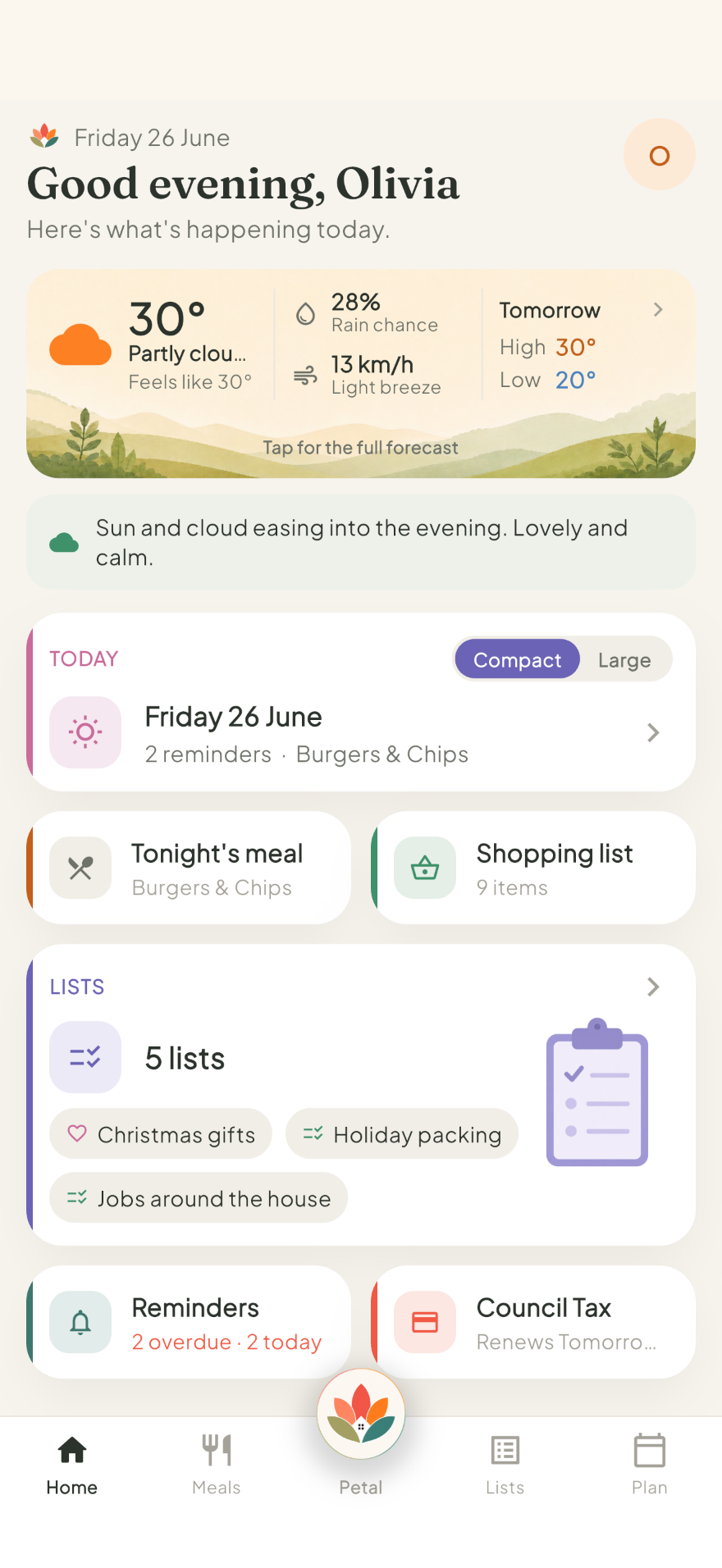
One of you might run your work life from Outlook, while the other lives in Google Calendar. Meanwhile the household has school dates, appointments and plans everyone needs to see. Petal Home is built to sit across both: a private space for your own calendar, and a household space for the family's, connected to whichever calendars you already use.
- Choose private or shared once per connected account, covering every calendar you bring in from it
- Anyone with Premium can connect their own calendar as private; only household admins can add one to the shared calendar
- Nothing needs re-entering by hand
Common questions
Does connecting a calendar give Petal Home access to my email?
No. Petal Home only ever sees calendar events, never your inbox. On iPhone, if a meeting invitation lands in your email, you can send that one event into Petal Home yourself using the share menu.
What happens if I disconnect a calendar?
The connection stops straight away, and the events it brought into Petal Home are removed. Anything you created directly in Petal Home stays. Nothing is ever deleted from Google, Outlook or your iPhone itself — disconnecting only removes the copy inside Petal Home.
Can I connect calendars from more than one account?
You can connect one calendar account per person — Google, Outlook or Apple — and bring in as many individual calendars from that account as you like. The private-or-shared choice is made once for the whole account, not separately for each calendar.
Is there a way to bring events in without staying connected?
Yes, for Google, Outlook or Apple Calendar. A one-way import brings events in as a one-off, with nothing syncing back and no ongoing access.
One calendar, connected to the ones you already use
Petal Home is being built to keep your calendar, meals, lists and reminders in one calm shared space. Join the waitlist and we'll let you know when it launches.
Join the waitlist