 Petal Home
Help centre › Find recipe ideas
Find recipe ideas
Browse the recipe ideas in Petal Home, narrow them down with filters, and save or plan the ones you like.
Open Recipe ideas
On Meals, tap the round search button at the top.
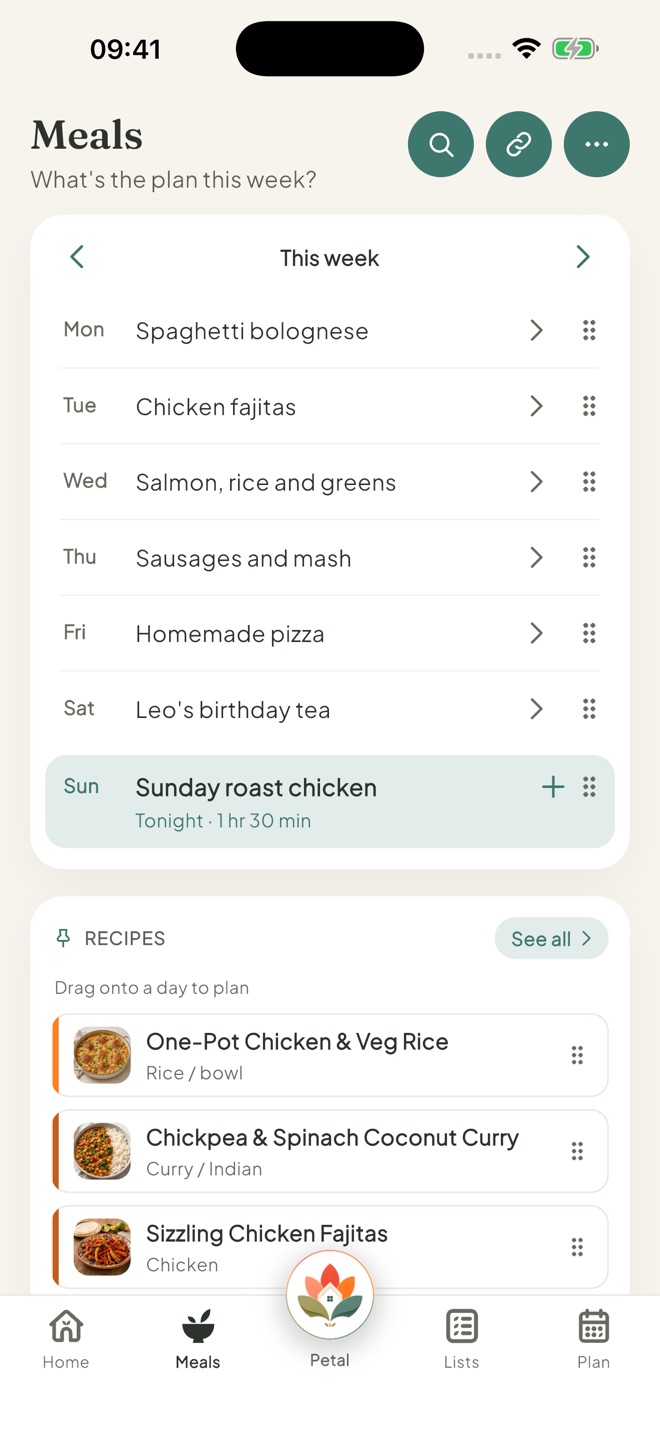
Browse or search
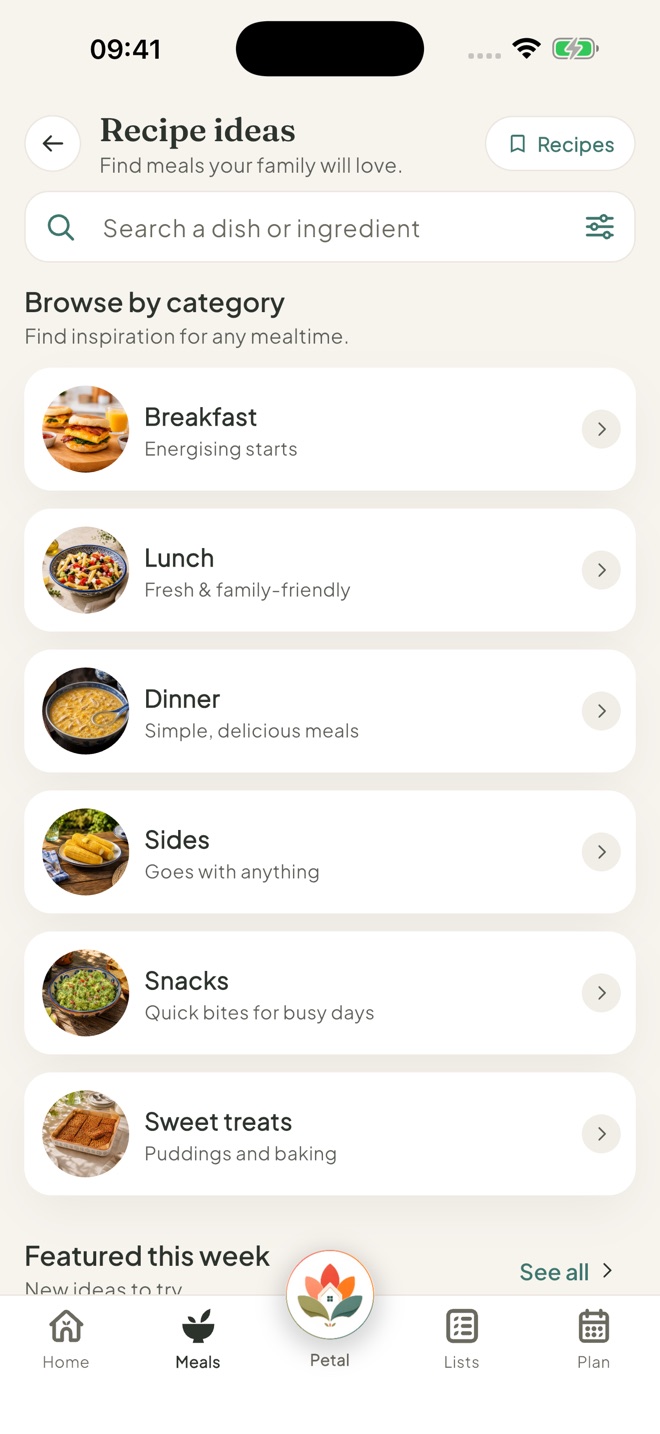
Pick a category under Browse by category, such as Breakfast, Dinner or Sweet treats, or look at Featured this week. You can also type in Search a dish or ingredient.
The category pictures and Featured this week change every Monday.
Narrow it down
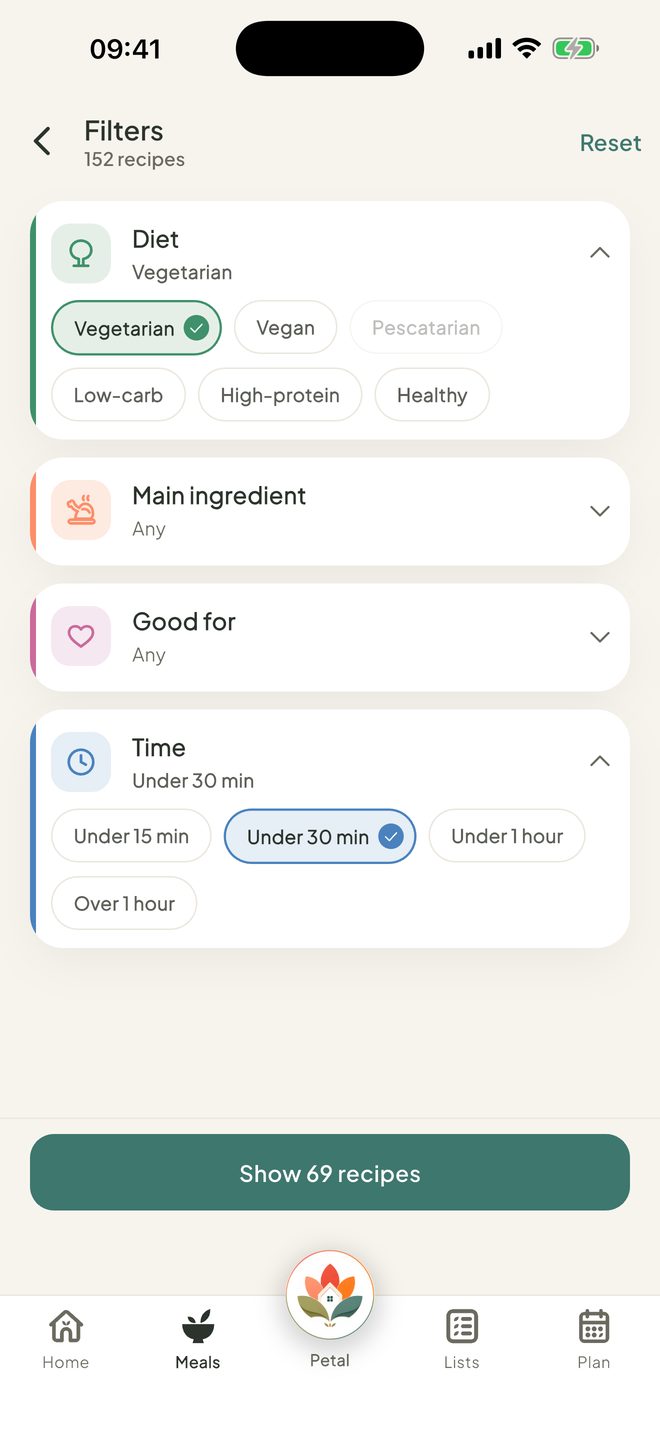
Tap the sliders in the search box to open Filters. Choose from Diet, Main ingredient, Good for and Time. Then tap the button to show the results, for example Show 69 recipes. Tap Reset to clear them.
Open a recipe
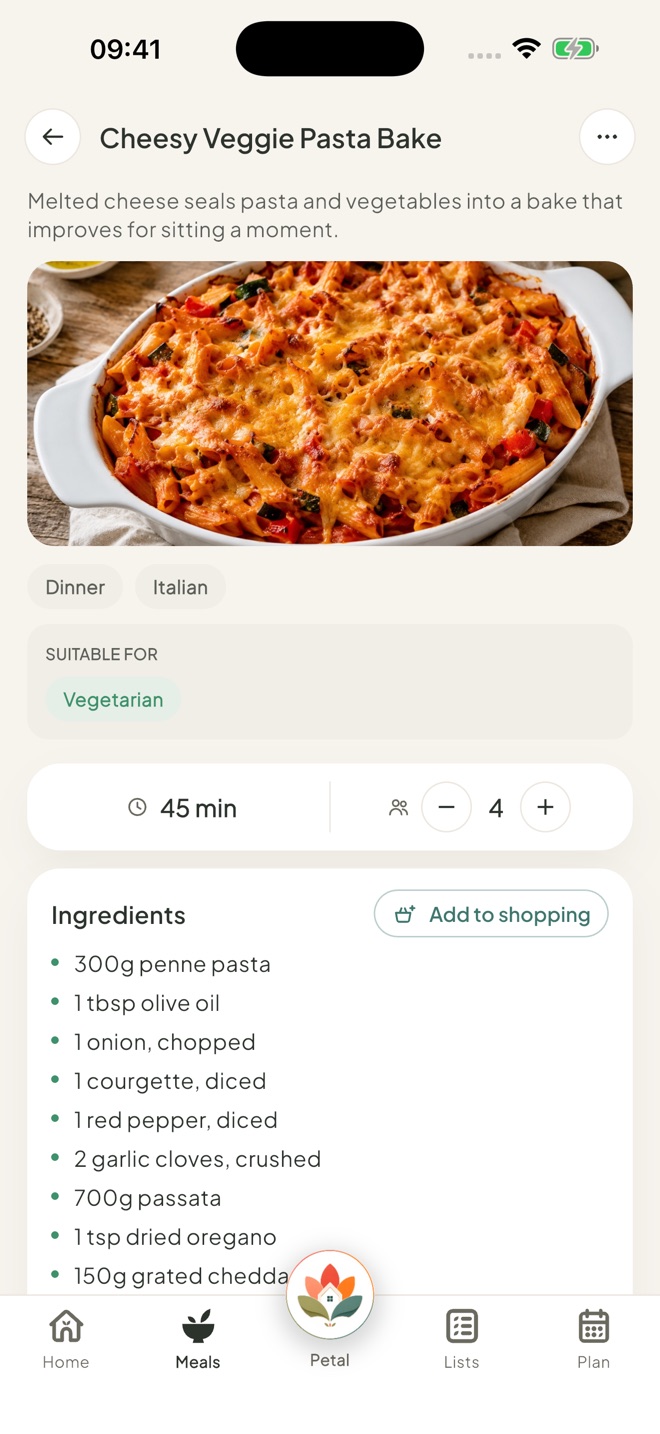
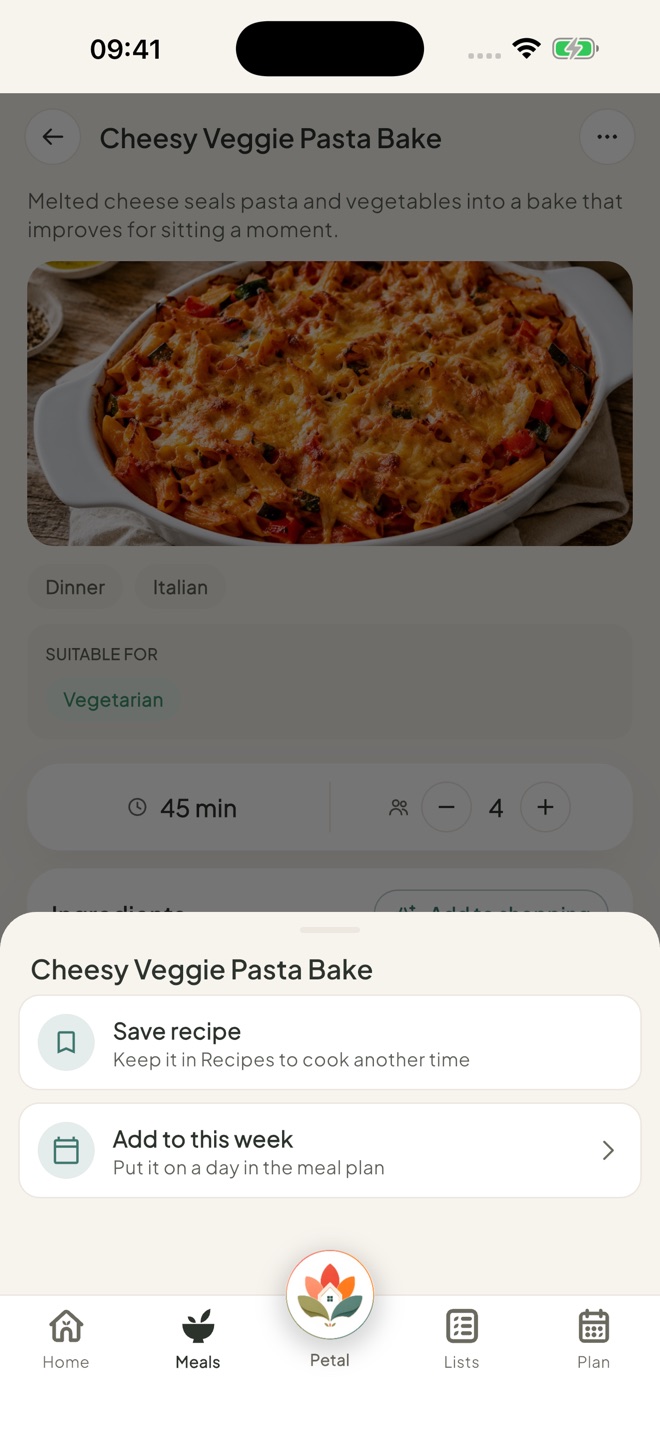
Tap a recipe to see the ingredients and method. Use the − and + buttons to change how many it serves. The ingredient amounts change with it.
Save it, plan it or shop for it
Tap ⋯ for Save recipe (it then says Saved) or Add to this week. You can also tap the bookmark on a recipe card to save it. To add the ingredients to your shopping, tap Add to shopping beside Ingredients.
Good to know
- Browsing the recipe ideas is free.
- On the free version, you can save 5 recipes to Recipes, including the ideas you save. With Premium, there's no limit.
- Results can be sorted Quickest first or A–Z. The search button on Meals is labelled Find a recipe.
- Can't open Recipe ideas? An admin may have set Meals to View for you.
Keep going
Still stuck?
Email hello@petalhome.app and we'll help.