 Petal Home
Help centre › Your usual week
Your usual week
Save the meals your household usually has each week, and Petal Home fills in new weeks for you.
Before you start
Your usual week is part of Premium. Planning meals by hand is always free.
1Step 1 of 3
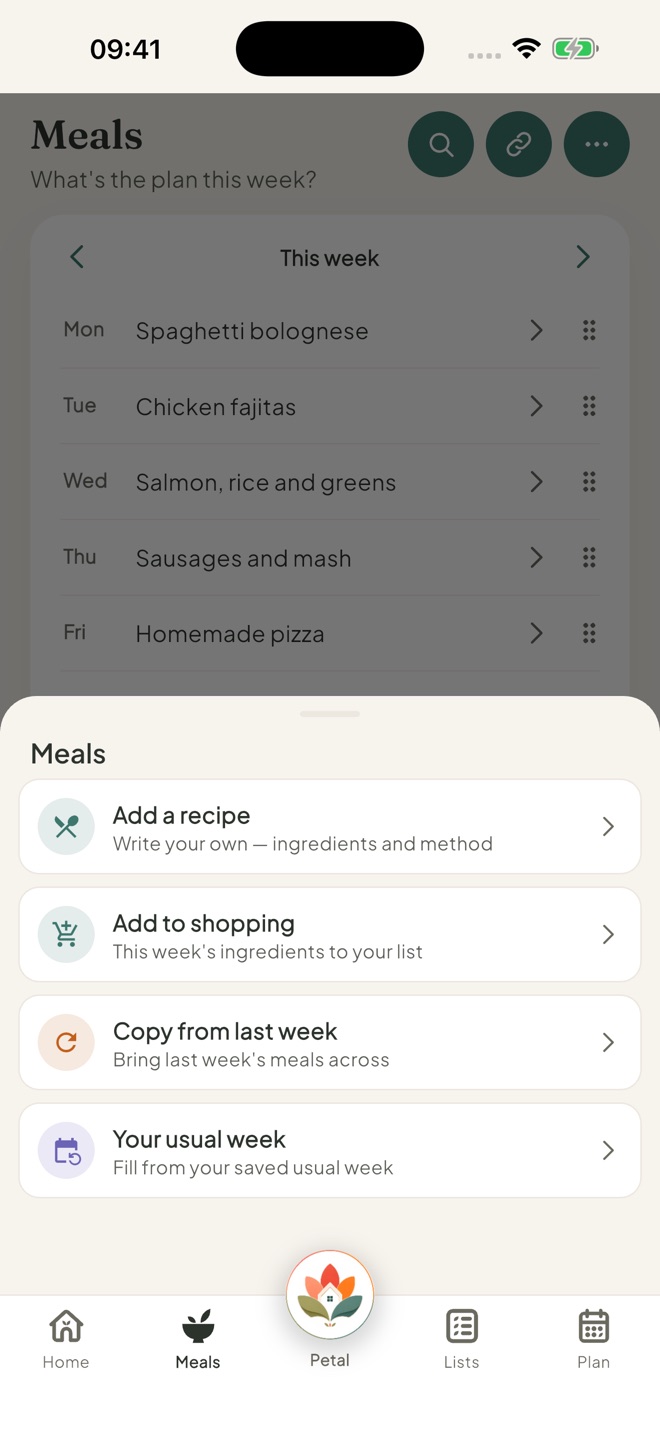
Open Your usual week
On Meals, tap ⋯, then Your usual week.
2Step 2 of 3
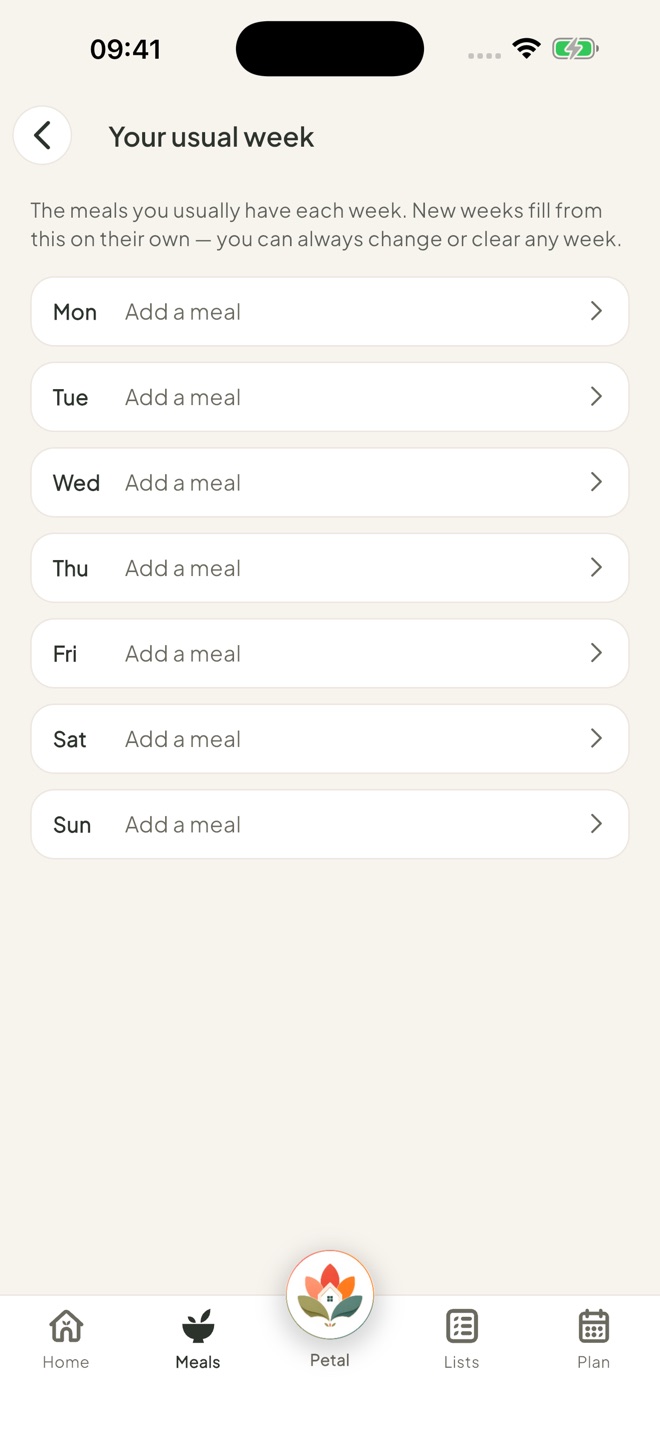
Add your usual meals
Tap a day, then Add a meal. Add as many as you like for each day.
With two or more meals on a day, tap the star to choose the main meal.
3Step 3 of 3
Let new weeks fill themselves
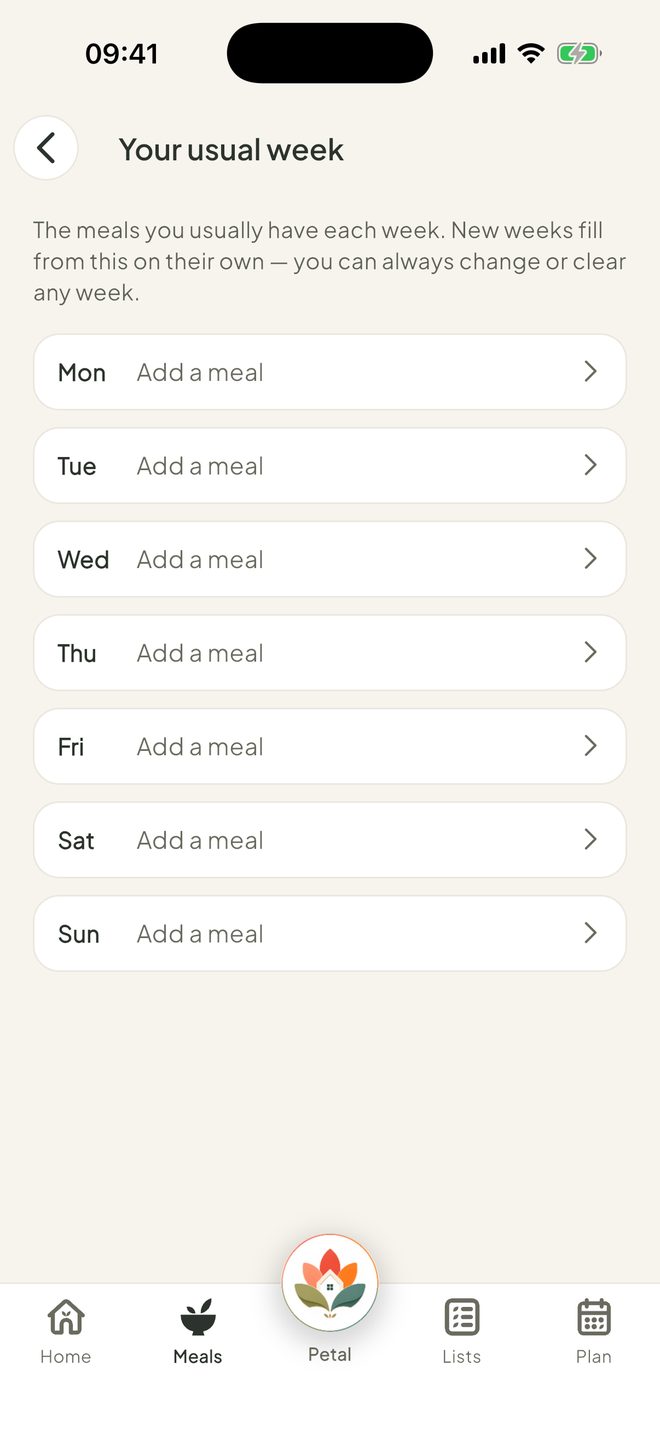
When you open a new week that's still empty, Petal Home fills it from your usual week. You'll see Filled from your usual week. Tap Undo if you'd rather not.
Good to know
- Your usual week only fills a week with nothing planned yet, from this week on. It fills each week once, so a week you clear stays clear.
- With Premium, you can also use Copy from last week and add a whole week's ingredients to the shopping in one go.
Keep going
Still stuck?
Email hello@petalhome.app and we'll help.