 Petal Home
Help centre › Petal Home widgets on your iPhone
Petal Home widgets on your iPhone
Add Petal Home to your iPhone Home Screen to see today's plans, reminders and tonight's meal, or a countdown, without opening the app.
Home Screen widgets are on iPhone and iPad, and need iOS 17 or later. There's no Android widget yet. The Countdown widget is part of Premium.
Start editing your Home Screen
On your iPhone Home Screen, touch and hold an empty area until the apps jiggle. Tap Edit in the top-left corner, then Add Widget.
These first taps are your iPhone's own, so they work the same for any app.
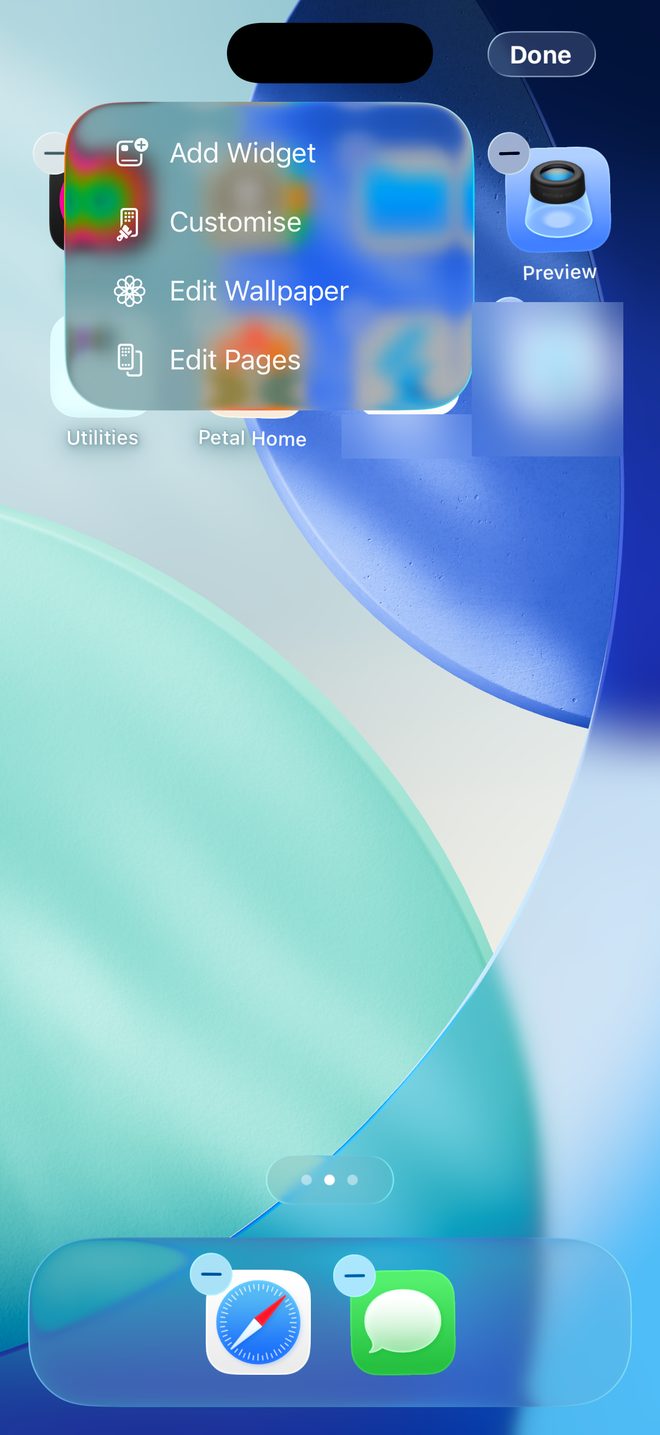
Choose Petal Home
Find Petal Home in the list. Pick Today for today's events, reminders and tonight's meal, or Countdown to see the days until one of your countdowns.
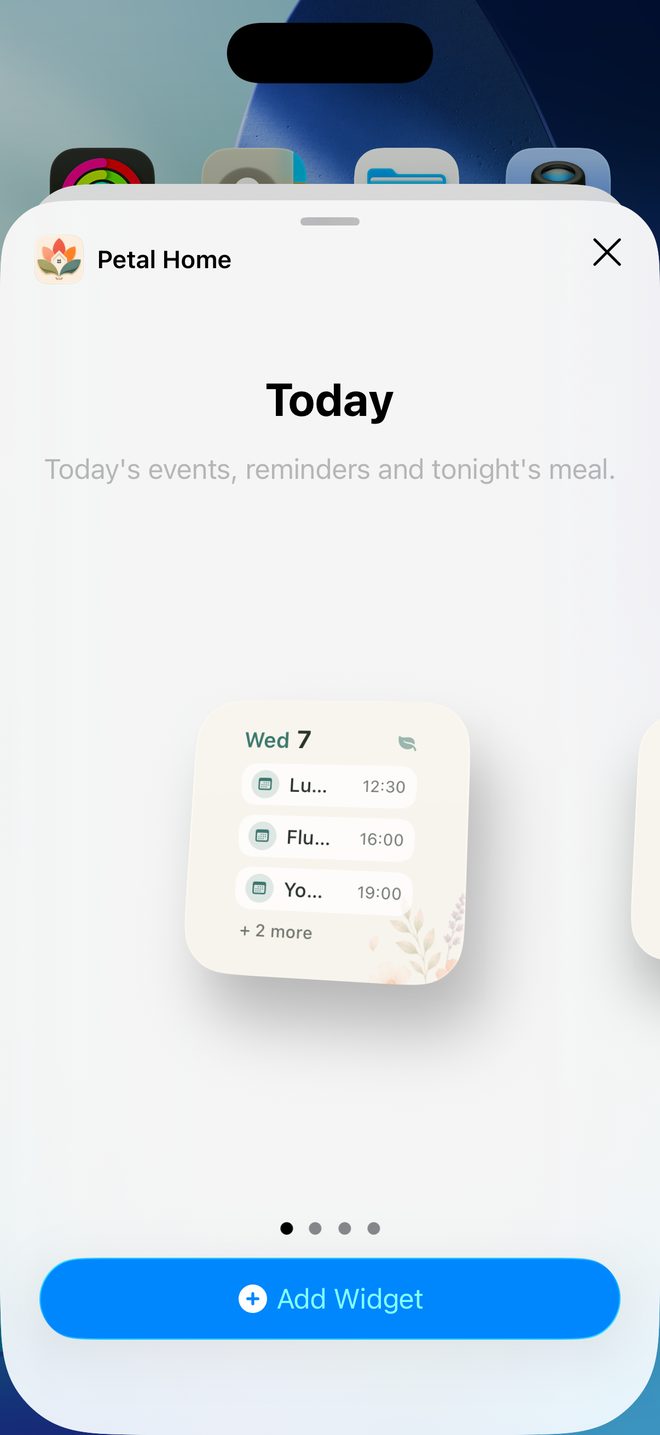
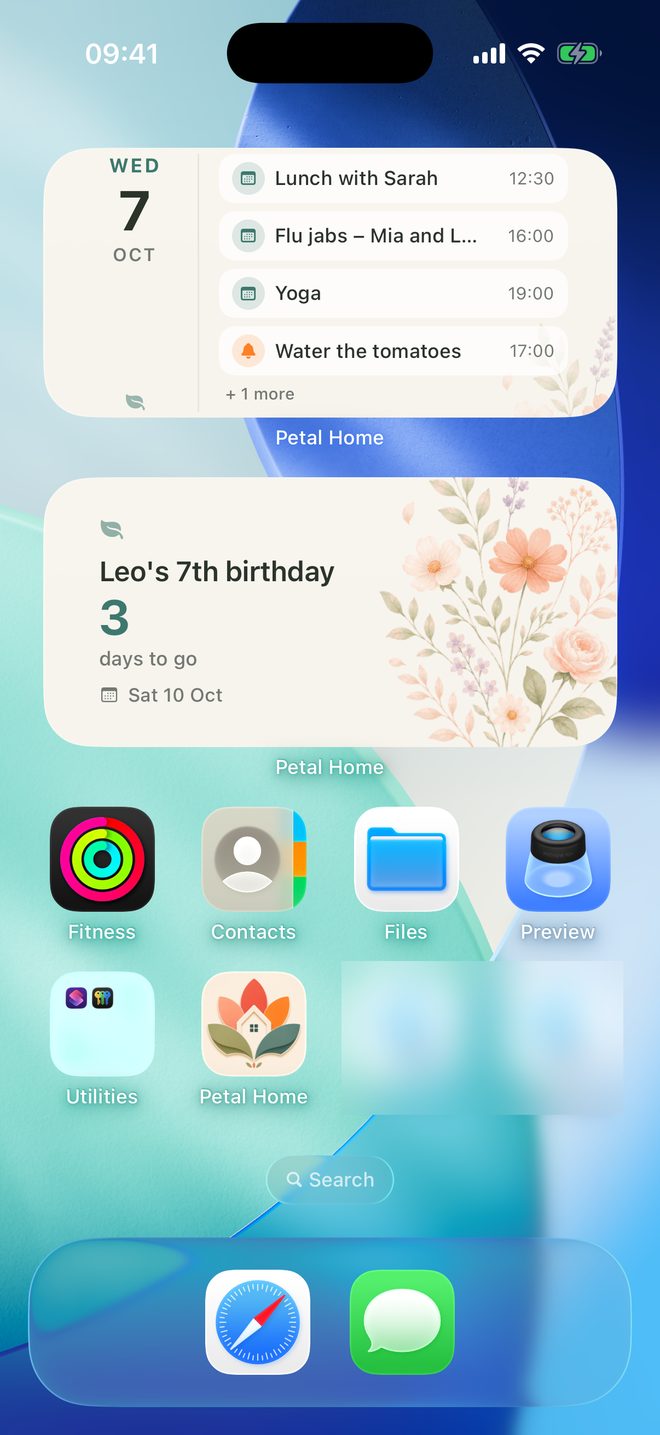
Pick a size and add it
Choose small or medium, tap Add Widget, then Done.
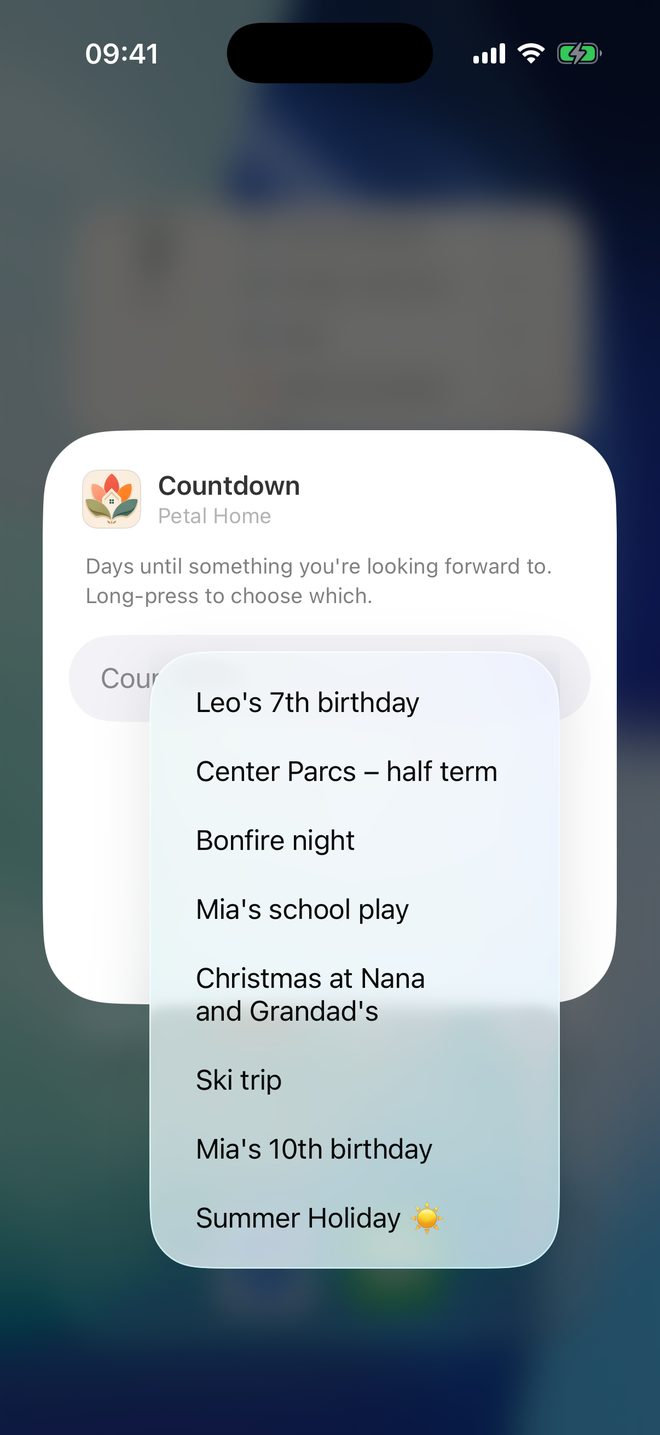
Choose which countdown
For a Countdown widget, touch and hold it, tap Edit Widget, then choose the countdown to show.
Good to know
- On the medium Today widget, tap a row to open Plan, Reminders or Meals. Tap the small widget to open Home. Tap a Countdown widget to open Countdowns.
- The widgets come in small and medium sizes. If you don't pick a countdown, it shows your soonest starred one.
- The widget shows the household that's open in the app. It never shows areas an admin has hidden from a child.
Keep going
Still stuck?
Email hello@petalhome.app and we'll help.