 Petal Home
Help centre › Set up your household
Set up your household
We'll take you through signing up, creating your household or joining one you've been invited to.
You need to be 13 or over to use Petal Home. Only an adult (18 or over) can create a household.
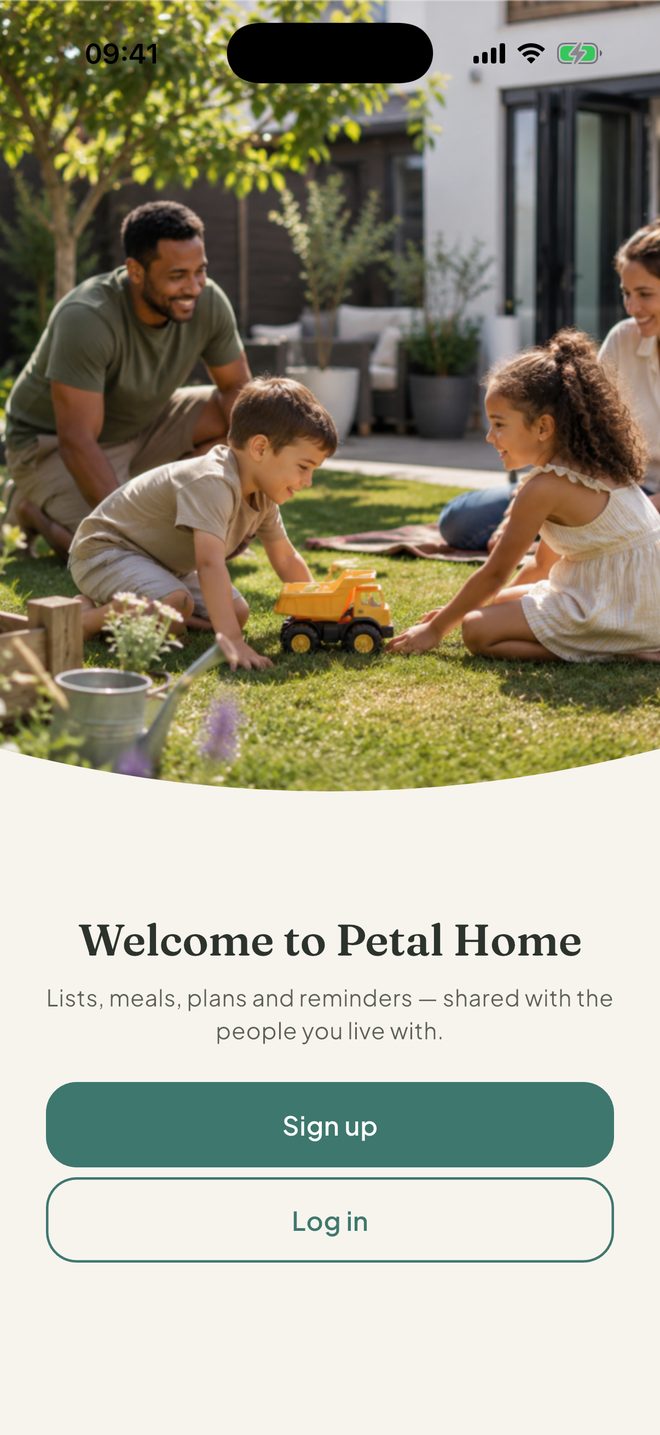
Download Petal Home and tap Sign up
Already have an account? Tap Log in instead.
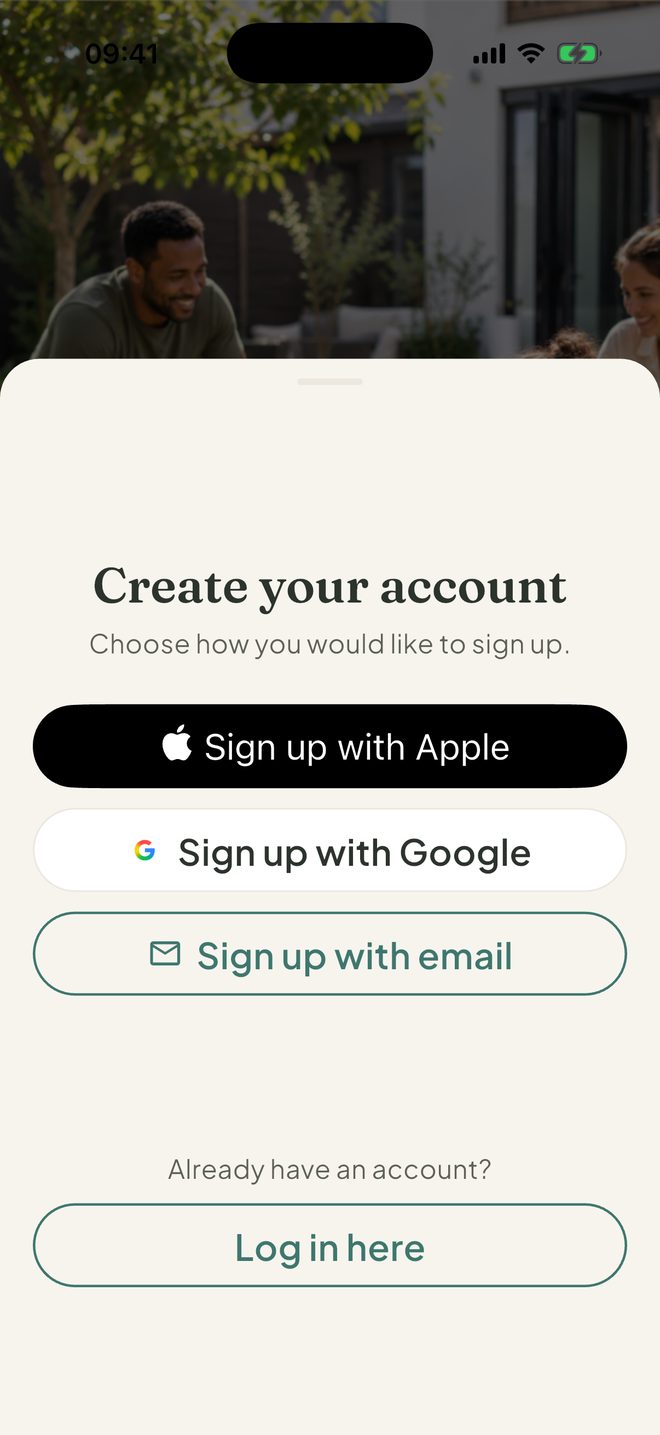
Choose how to sign up
Pick Sign up with Apple (iPhone and iPad), Sign up with Google or Sign up with email.
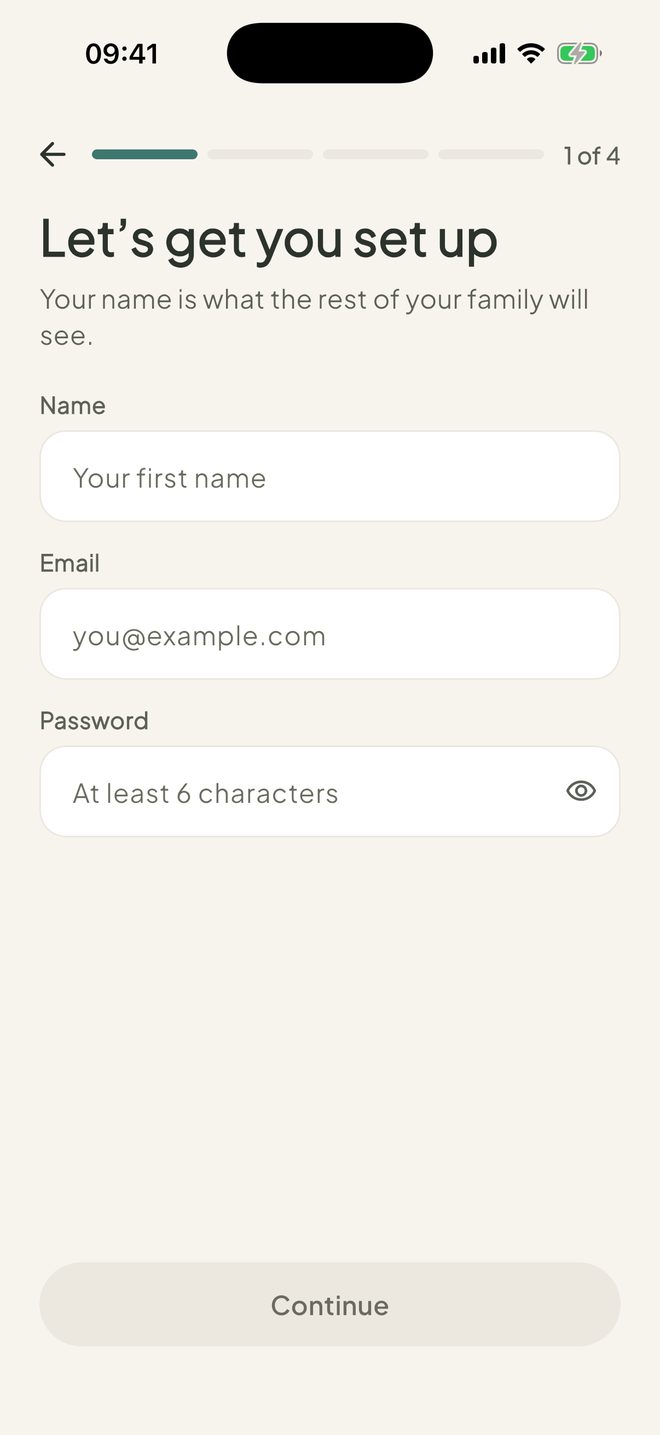
Answer a few short questions
Signing up with email? Add your name, email and a password first. Then answer When were you born?, Where are you? and One last thing. On the last screen, you'll agree to the Terms. Then tap Create account.
Signed up with email? You'll see Check your email. It checks by itself every 15 seconds. Or tap the link in the email, then I've confirmed my email. You can also tap Resend or Use a different email.
Have a look around
On Welcome to Petal Home, tap Have a look around.
Create your household
On Set up your family, type a Family name and tap Create family. You become the admin. Been sent a code instead? Type it in Family code (if you have one) and tap Join with code.
You're in
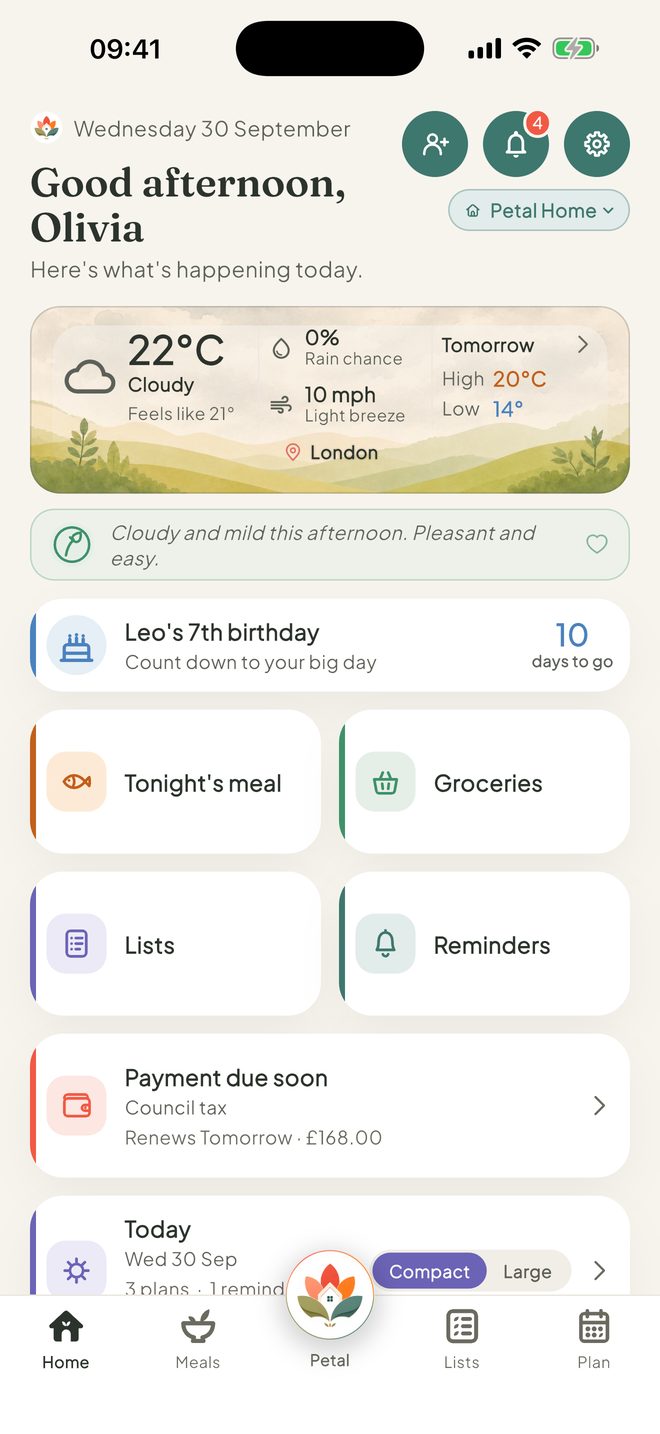
Home opens with two starter lists in a Getting started group, and three example reminders. Delete them whenever you like.
Joined someone else's household? You'll see a message saying you're almost in, then a banner saying "Waiting to be accepted into" and your household's name. An admin needs to accept you first.
Good to know
- An admin can add someone who won't have their own login, such as a young child: Settings, then Members, then Add someone without a login.
- You can belong to up to 5 households, and a household can have up to 12 people.
- Petal Home is for ages 13 and over. Under-18s can join a household but can't set one up, so they only see Join a family.
- Signing up with Apple or Google skips the name and email steps. Sign up with Apple is on iPhone and iPad only.
- Signed up with the wrong account? Sign out is at the top right of Set up your family.
- Your first household is free.
Keep going
Still stuck?
Email hello@petalhome.app and we'll help.