 Petal Home
Help centre › Start or cancel Premium
Start or cancel Premium
How to start Petal Home Premium, restore a subscription you already have, or cancel it.
Only an adult (18 or over) can buy Premium. One subscription covers your whole household.
Open Petal Home Premium
On Home, tap the round Settings button at the top right, then Petal Home Premium.
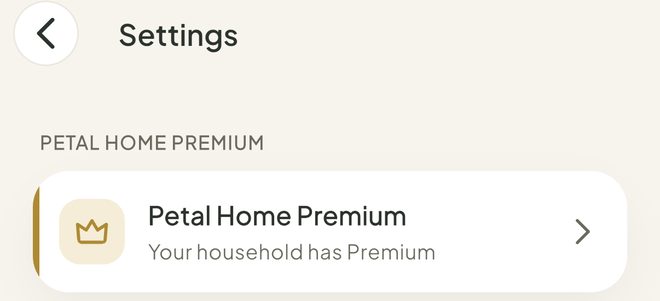
Choose a plan
Tap Annual or Monthly. Your phone's store asks you to confirm. If you can have the free trial, the Annual card says Start 14-day free trial.
It renews automatically. You can cancel any time.
Already paid on another phone?
Tap Restore purchases to restore your subscription.
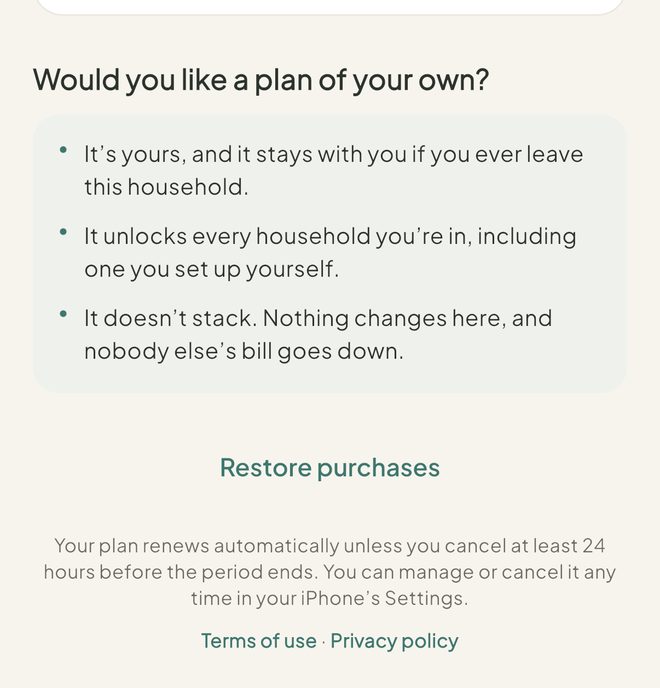
Cancel or change your plan
On the same page, tap Cancel or change your plan. This opens your subscription in the App Store or Google Play, where you can cancel it.
On iPhone you can also go to Settings, then your name, then Subscriptions.
Good to know
- Premium stays active until the end of the period you've already paid for.
- When Premium ends, nothing is deleted. Anything that needs Premium stays there and becomes available again if you restart Premium.
- Deleting the app doesn't cancel a subscription.
- Only the person who pays can cancel. Everyone else covered by the plan sees "Premium is on in this household" and no cancel button.
- Premium follows your Petal Home login, so signing in on another phone usually brings it. Restore purchases is the backup.
- Under-18s see a message that an adult in the family can set up a plan, and it will cover them too.
Keep going
Still stuck?
Email hello@petalhome.app and we'll help.